Godot: turn a game idea into pieces you can build
Nodes, scenes and signals divide a game into pieces. We explain that idea through a menu and the boundaries to check before programming.
The idea need not start with a whole world
You have a game idea, but there is a huge distance between imagining it and making something respond. Godot is a free, open-source engine for 2D and 3D projects. Its approach lets you think of a game as pieces: a character, a menu or a level. That does not automatically solve design, but offers a more manageable starting question than building the whole project at once.[1]
Scenes can be reused
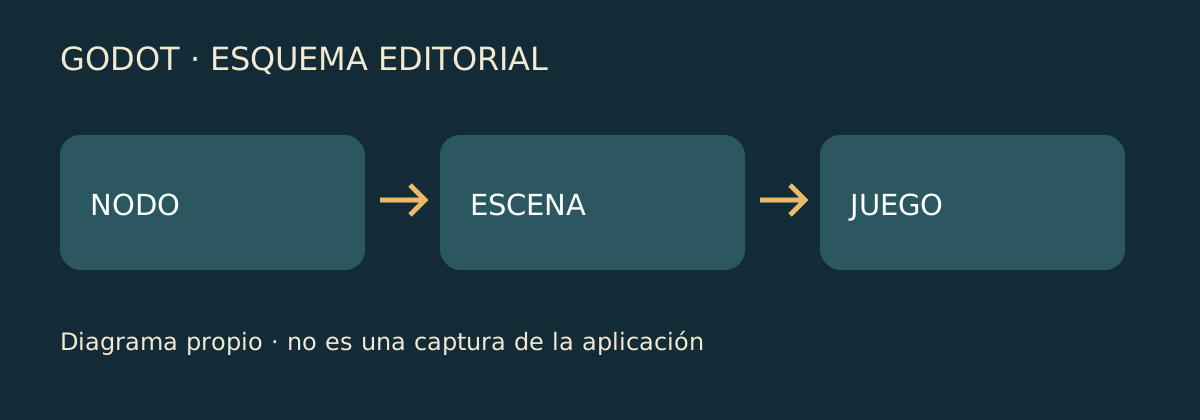
The engine’s introduction explains that a scene groups nodes and that scenes can be nested. A scene may represent a character or menu, not just a complete level. When learning, that separation helps define a goal: understand one piece before combining it with others. You need not decide the whole story before considering what a button should do or what role a character will have.[2]
A button also has to communicate with the game
The documentation calls notifications that let nodes communicate when an event occurs signals. Its example is a pressed button triggering code to start a game or open a menu. The important starting point is not memorising a definition: it is recognising the relationship between an action and its response. That relationship turns a drawn screen into something another person can interact with.[2]
Choose the destination before complicating the project
The website offers GDScript, C# and other programming options but identifies boundaries: Godot 4 C# support is advertised for desktop and mobile, with Godot 3 referenced for C# on the web. Console support also involves outside providers. Decide where you want your idea to run before choosing a programming route that may later fail to fit that destination.[1]
A first project with a recognisable goal
The checked release record lists Godot 4.7.2. To approach the engine, you could aim for a menu responding to a button press or a scene you can reuse. These are examples of small goals, not promises to finish a game in an afternoon. One piece you understand offers a specific point from which to keep learning; afterwards you can decide what it needs to communicate to others.[3]
Sources and checks · 3
Links point to sources. They are not endorsements or sponsorships.
- [1] Godot · web oficialofficial · Checked on 13 October 2026
- [2] Godot · conceptos fundamentalesdocumentation · Checked on 13 October 2026
- [3] Godot · versión publicadaDeveloper · Checked on 13 October 2026
Was this article useful?
How ratings work
Rate how clear and useful the explanation is, not the product or whether you agree with the news.
Public voting is currently unavailable. A verified shared voting service is in preparation.
Privacy