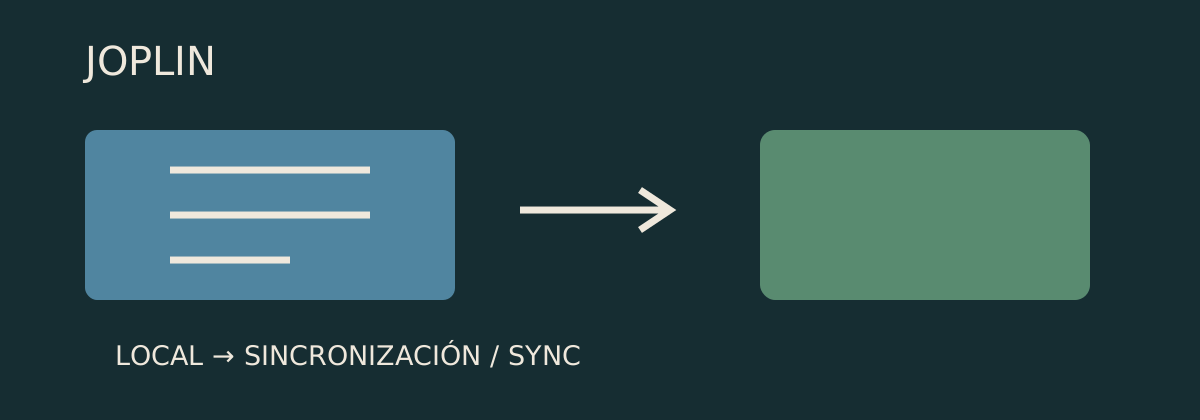
Joplin: your notes start on your computer; the cloud comes later
Notebooks organise ideas, files sit alongside text and synchronisation needs configuration. Understanding the difference between saving and sharing avoids confusion when starting.
A notebook for each topic
A travel idea, a link to read later and a to-do list can end up scattered everywhere. Joplin brings notes together in topic-based notebooks: for example, one for that trip with several notes inside. Its documentation explains that they are initially saved on the device. When starting to organise what you have, the first decision is straightforward: which subjects deserve their own notebook and which notes belong together.[2]
A note does not have to be only text
The application supports images, video, PDFs and audio. It also offers a Chrome and Firefox extension that saves web pages as notes. If you are planning a purchase, for example, you could bring together your requirements and pages to compare. That gives collected material a purpose: keeping it around a question rather than relying on remembering which tab contained it.[1]
Saved here does not mean visible there
Keeping notes on a computer and finding them on a phone are separate steps. The guide says to configure synchronisation with a provider and finish the first upload before connecting other devices. That order matters: check that the initial transfer has finished rather than interpreting an incomplete collection on the second device as if notes had disappeared. Organise first; then decide where you need access to what you saved.[2]
A fix that matters when coming from Evernote
Joplin 3.7.21’s notes, published on 25 September 2026, record an import fix: Evernote ENEX files failing because of unescaped “&” characters. That is a specific problem, not a promise to import every file. If you are considering changing applications, keeping the original export and checking the imported material lets you see whether the information you want has arrived before treating the move as finished.[3]
Choosing a tool and choosing a service
Joplin is open source and is offered for Windows, macOS, Linux, Android and iOS. Its website distinguishes the application from Joplin Cloud and also lists Dropbox and OneDrive as synchronisation options. That separates two decisions: whether its way of organising notes suits you, and which service to use between devices. Starting with one does not automatically settle the other; both deserve consideration according to your needs.[1]
Sources and checks
Company documentation details announcements and specifications, while reports, analyses, and user accounts provide external context. Multiple pages from one company do not represent independent verification, and external links do not constitute editorial endorsement.
- [1] Joplin · funciones y plataformasDocumentation · Checked on 13 October 2026
- [2] Joplin · uso y sincronización inicialDocumentation · Checked on 13 October 2026
- [3] Joplin · versión 3.7.21Developer · Checked on 13 October 2026